Windows, macOS and Linux
Download the portable ZIP, extract it, then open Sebago.html in a JavaScript-enabled browser. The same download includes the weights, fonts and inference code for all three systems.
 krummholzAI
AI models · Field records
A pocket field reader. Give it a record, ask for a field, and see which entry supports the answer.
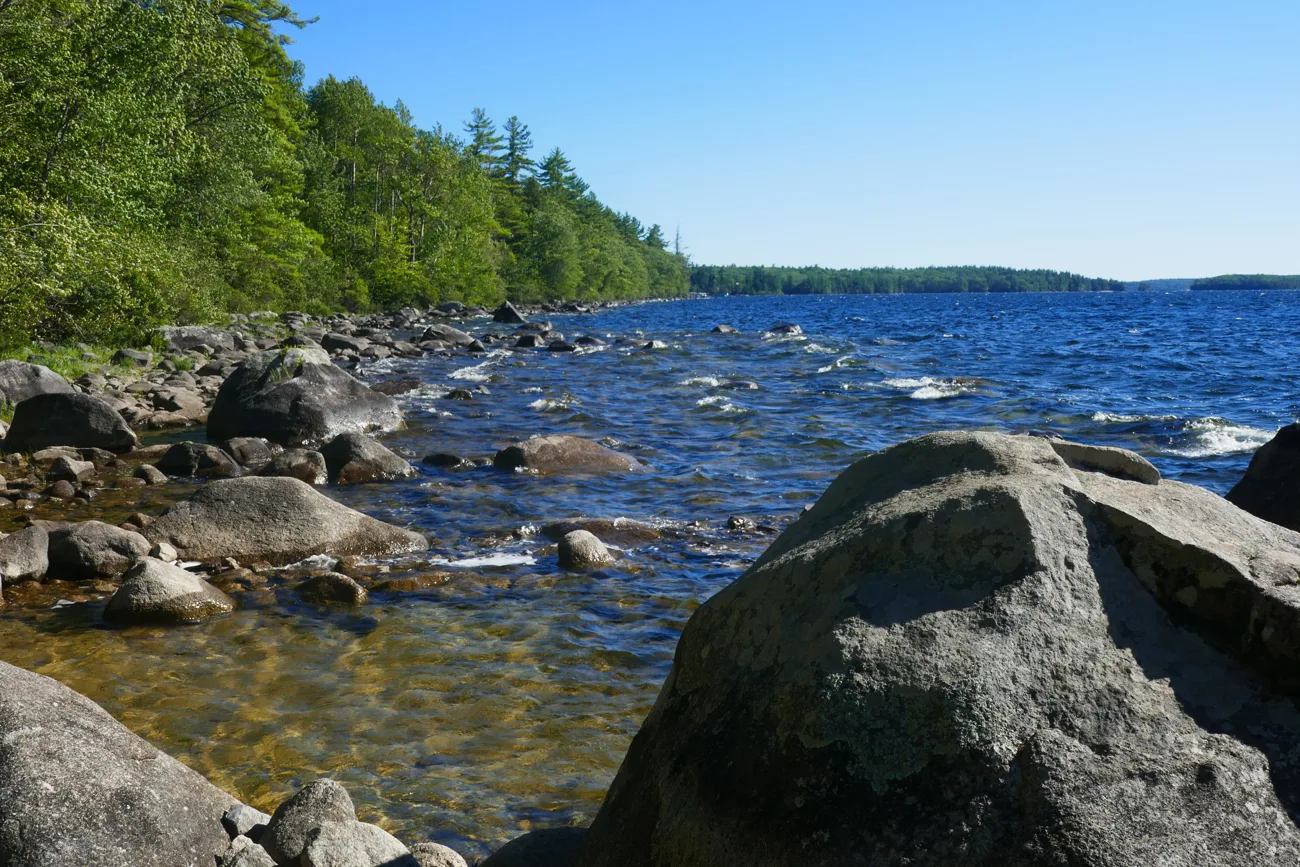
We named Sebago for the lake here in Maine. We built it for a modest job that matters on a dock, in the woods or away from a connection. If the water temperature is missing, the count on the next line is no substitute.
Download the portable ZIP, extract it, then open Sebago.html in a JavaScript-enabled browser. The same download includes the weights, fonts and inference code for all three systems.
Open the web app online once to cache its files. In Chrome on Android, use Install app or Add to Home screen. In Safari on iPhone, tap Share, then Add to Home Screen. Open it once and confirm it works offline before taking it into the field.
We plan to list Sebago in Google Play and the Apple App Store in the coming weeks, subject to store review. Today’s mobile release is the web app.
Read the water temperature. Edit it and read it again. Then hide the field and ask the same question. The reader runs entirely on your device and checks each returned value against the visible field you selected. Try the forest inventory and fisheries landing tally, too. All three records are fictional and editable.
Field Notes: The number is still there. Does it answer the question?
The trained file is 164,616 bytes, including its header. We publish the weights and training code under Apache 2.0. You can retrain Sebago yourself on a CPU or have Krummholz AI retrain it for a one-time $15.
After checkout, use the sales form with the email address you paid with. Tell us which fields Sebago should read and show us an example with fictional entries.